Ask Genie
Your CX data, finally on speaking terms

4 min read

Have you ever wished you could just ask a question about your CX data and get a straight answer back? Not export a CSV, build a pivot table, ping an analyst and wait until the week has already moved on. Just ask, and get an answer.
That wish has come true thanks to Ask Genie.
Ask Genie is the DigitalGenius assistant that lets you ask anything about your conversations, flows and analytics in plain language, and get an answer back in seconds, often as a chart you can drop straight into a report.
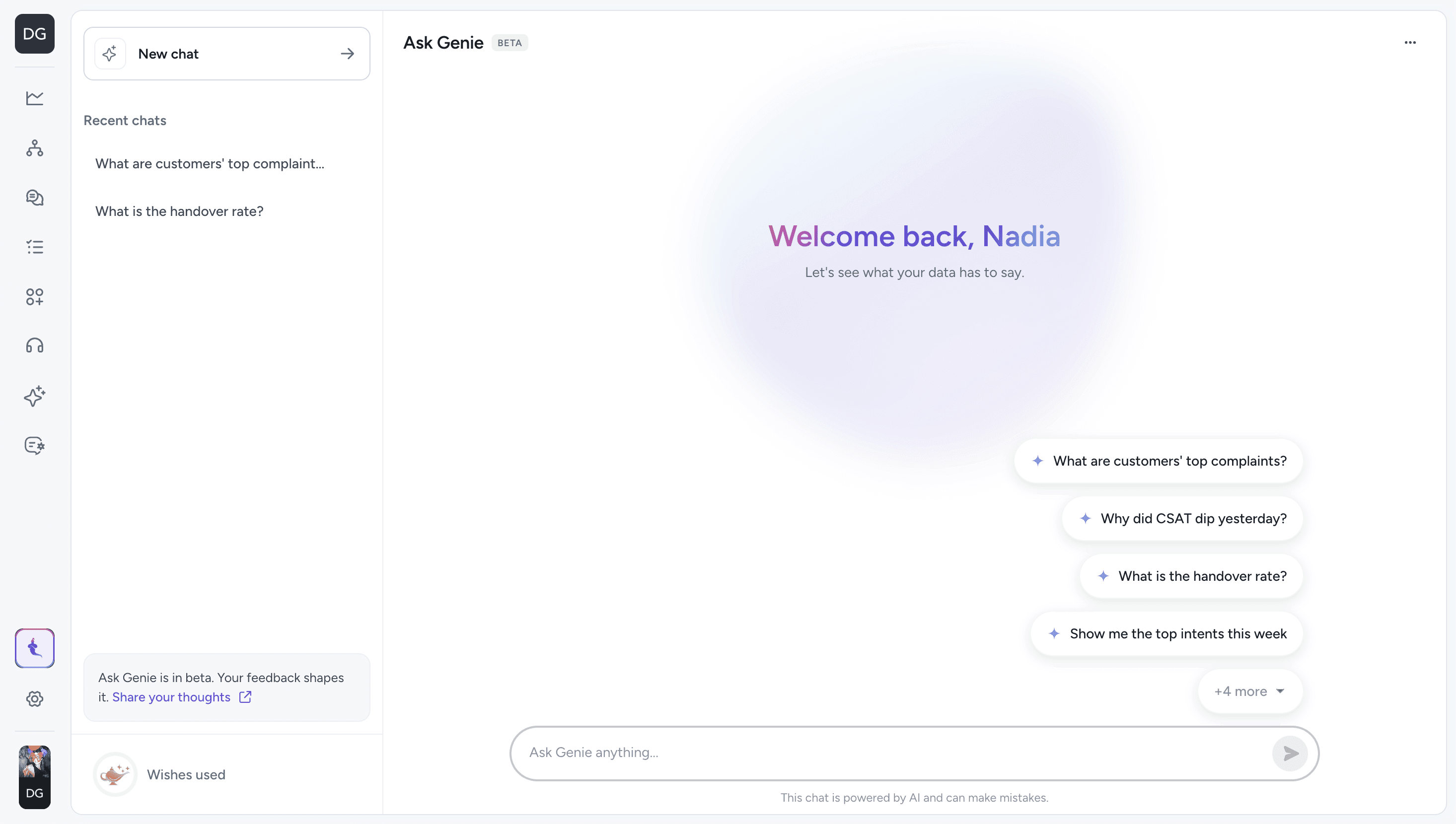
What can you do with it?
The possibilities are nearly endless. You can see trends over time, deep dive into customer feedback, find out where things need optimizing, and much more. The main limit is your imagination.
But to give you a clearer picture, let’s break it down into the classic three wishes for a genie.
1: I wish I could see trends in my customer service tickets
Ask Genie keeps a running read on your numbers, so you don’t have to go digging for them. Ask it the questions you’d normally save for the Monday review:
“Show me the top intents this week.”
“How has CSAT changed?”
“What was the helpdesk resolution rate in May vs June?”
“How is WISMO deflection looking this week vs previous weeks?”
You can get the trend, not just the number, so you can tell whether last week’s dip was a blip or the start of something that needs addressing.
2: I wish I could pinpoint what needs fixing
When a number moves the wrong way, the next question is always why. Ask Genie helps you trace it back to the actual conversation, response or flow step:
“How can I update this response?”
“Where is this in the flow?”
“Where are all these errors coming from?”
“What are customers saying in negative feedback?”
Instead of guessing where a problem lives, talk to Ask Genie and it can point you straight at the thing that needs fixing.
3: I wish I had insights that were actionable.
The useful part isn’t the data on its own. It’s knowing what to change because of it. Ask Genie can connect the dots:
“Break down intents by CSAT rating.”
“Which ticket types are getting the most 1-star CSAT ratings?”
“Where’s the opportunity for further automation?”
A few examples of how teams are already using it:
One brand used Ask Genie to surface a clear automation opportunity that was hiding in their intent mix.
Another brand spotted a poorly performing response and used Ask Genie to find exactly where it lived, then edited the flow message on the spot.
Yet another brand asked Ask Genie for recommendations on how to improve resolution rates and got a prioritised list rather than a data dump.
In each case Ask Genie pushed the conversation past the data and gave specific areas to address.
See it in the data
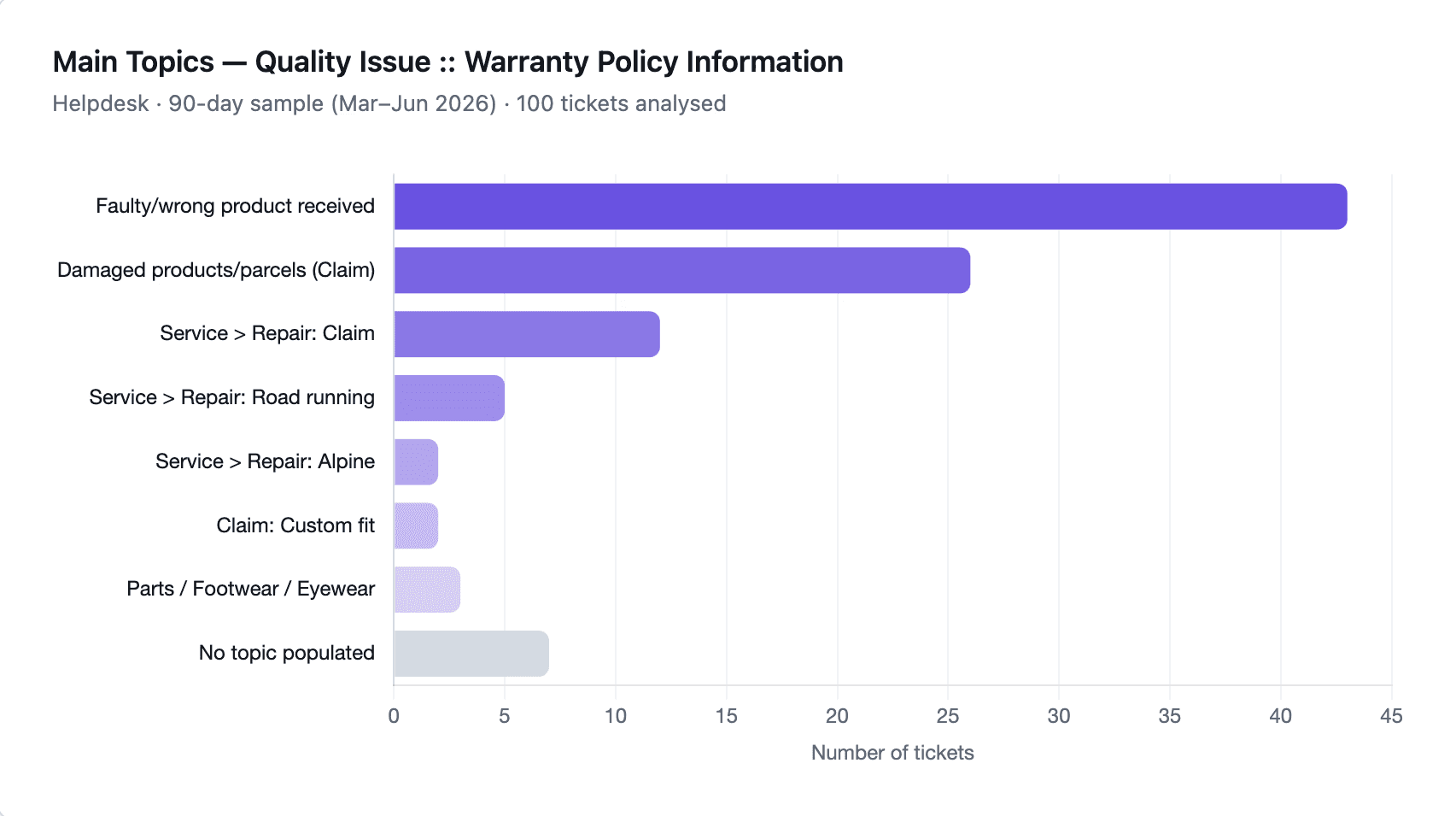
Getting a table is one thing, but getting a visual representation of the data is even better. Ask Genie can render results as a graph, then you can download it to share with your team or build it into reports for senior leadership. The data that used to live in your head becomes something you can hand to your boss in a click.
For the technical teams, too
Ask Genie also helps the people who build and maintain flows. It’s a faster way to debug:
Debug a high error rate across flows.
Find the exact step where a flow is going wrong.
Explain what a specific flow is doing.
Check why executions are running slowly.
How to use it
Genie is available now inside the DigitalGenius platform. It will be the first thing you see when you log in. No implementation project required.